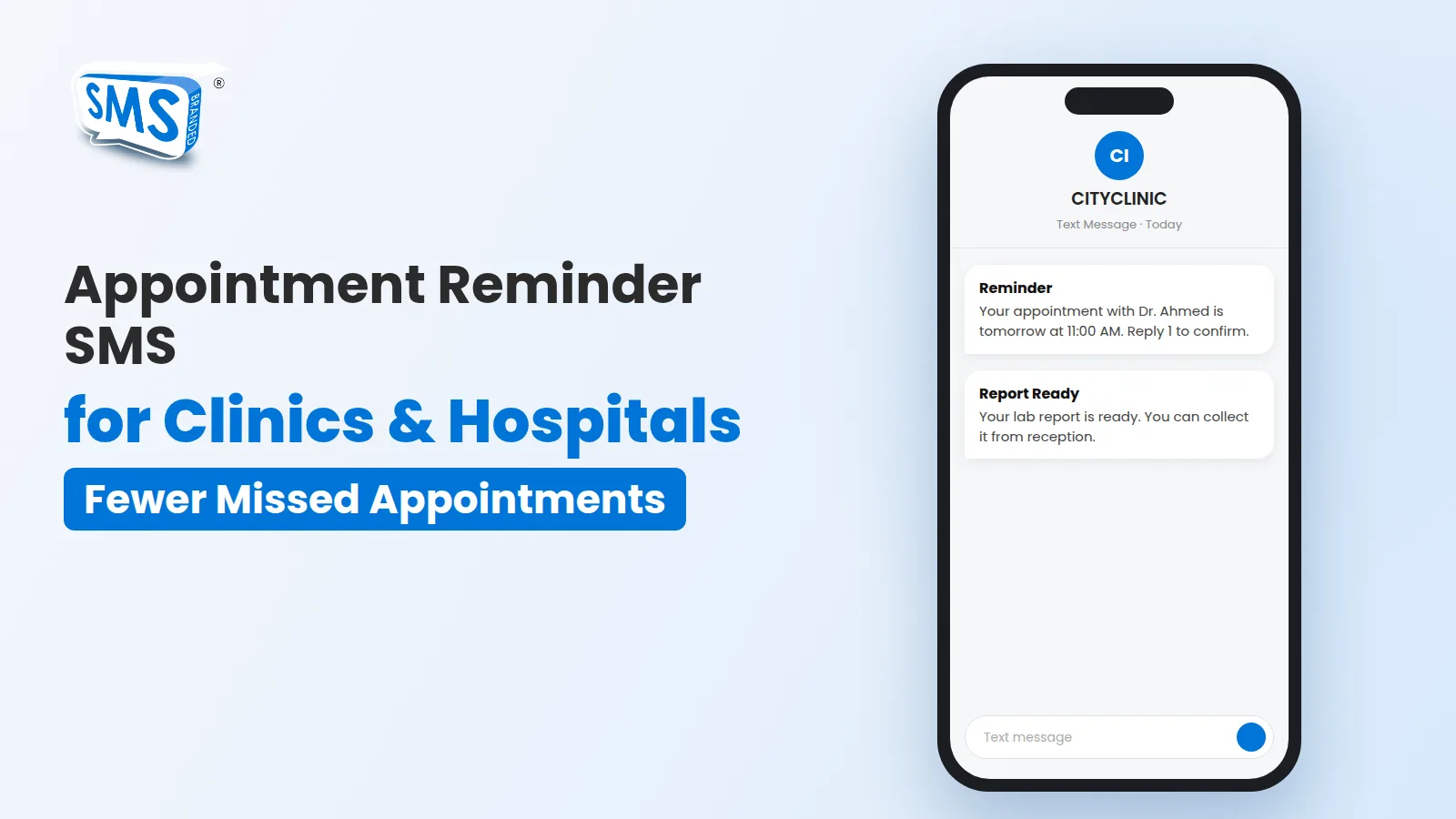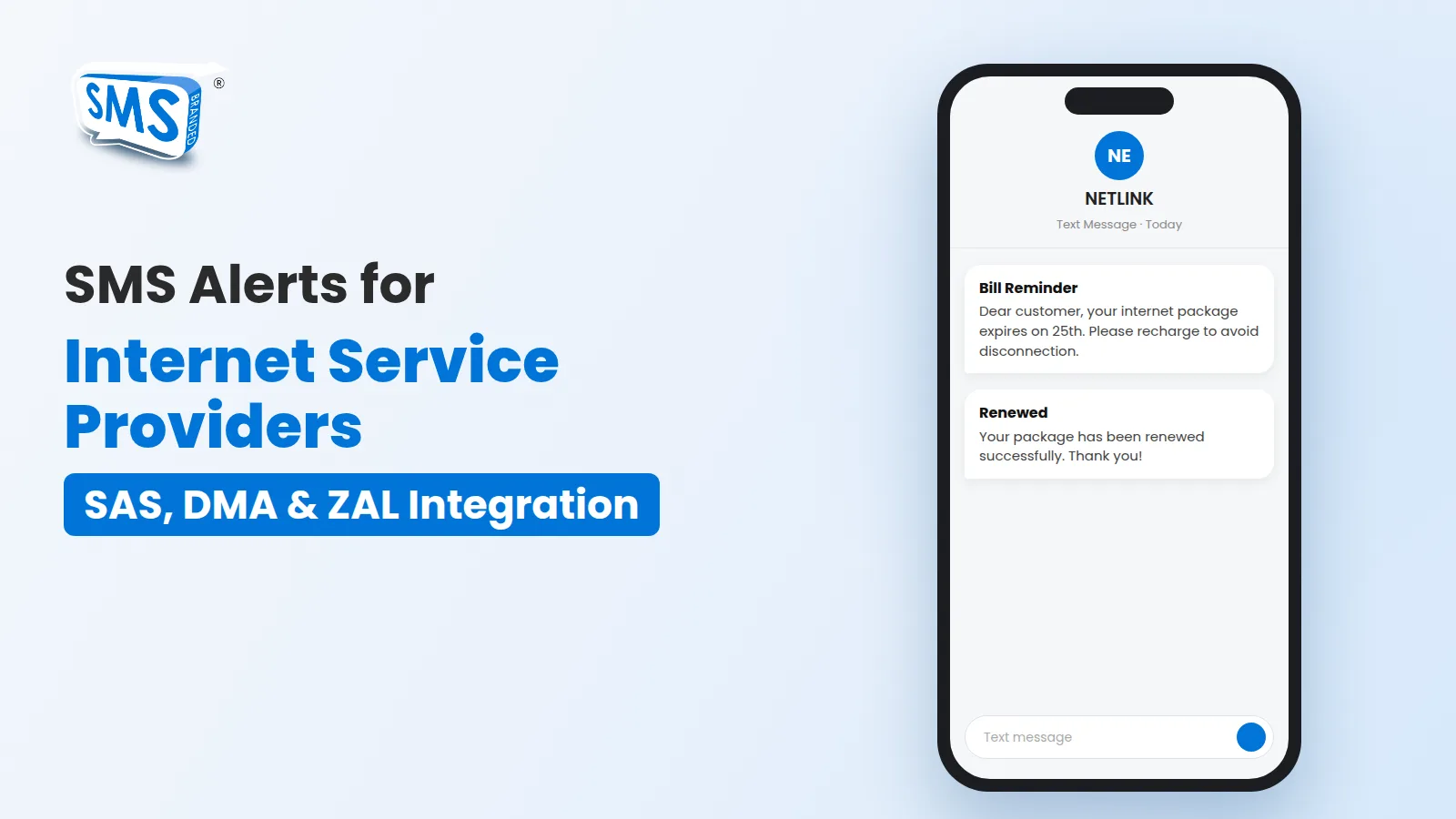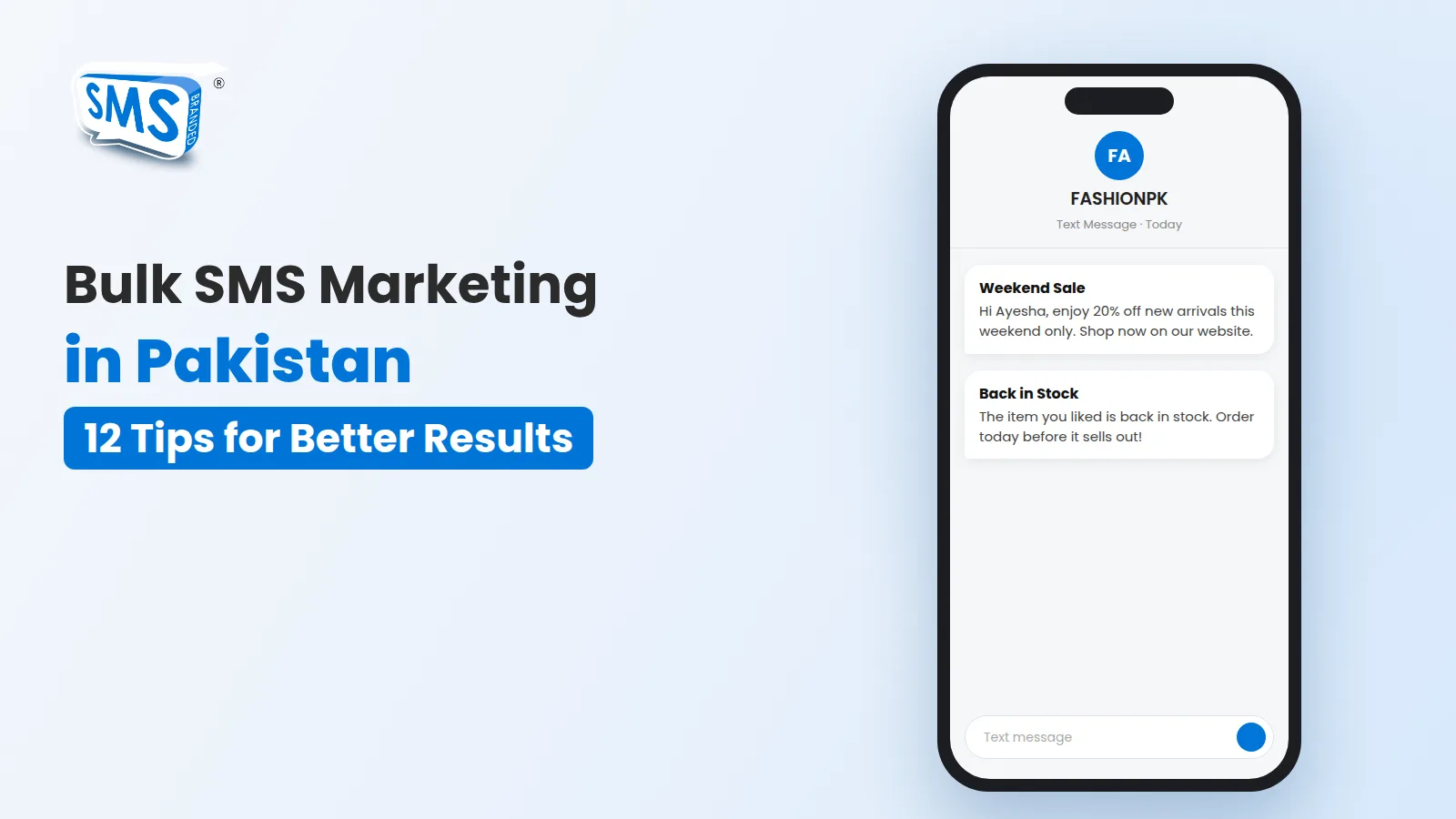







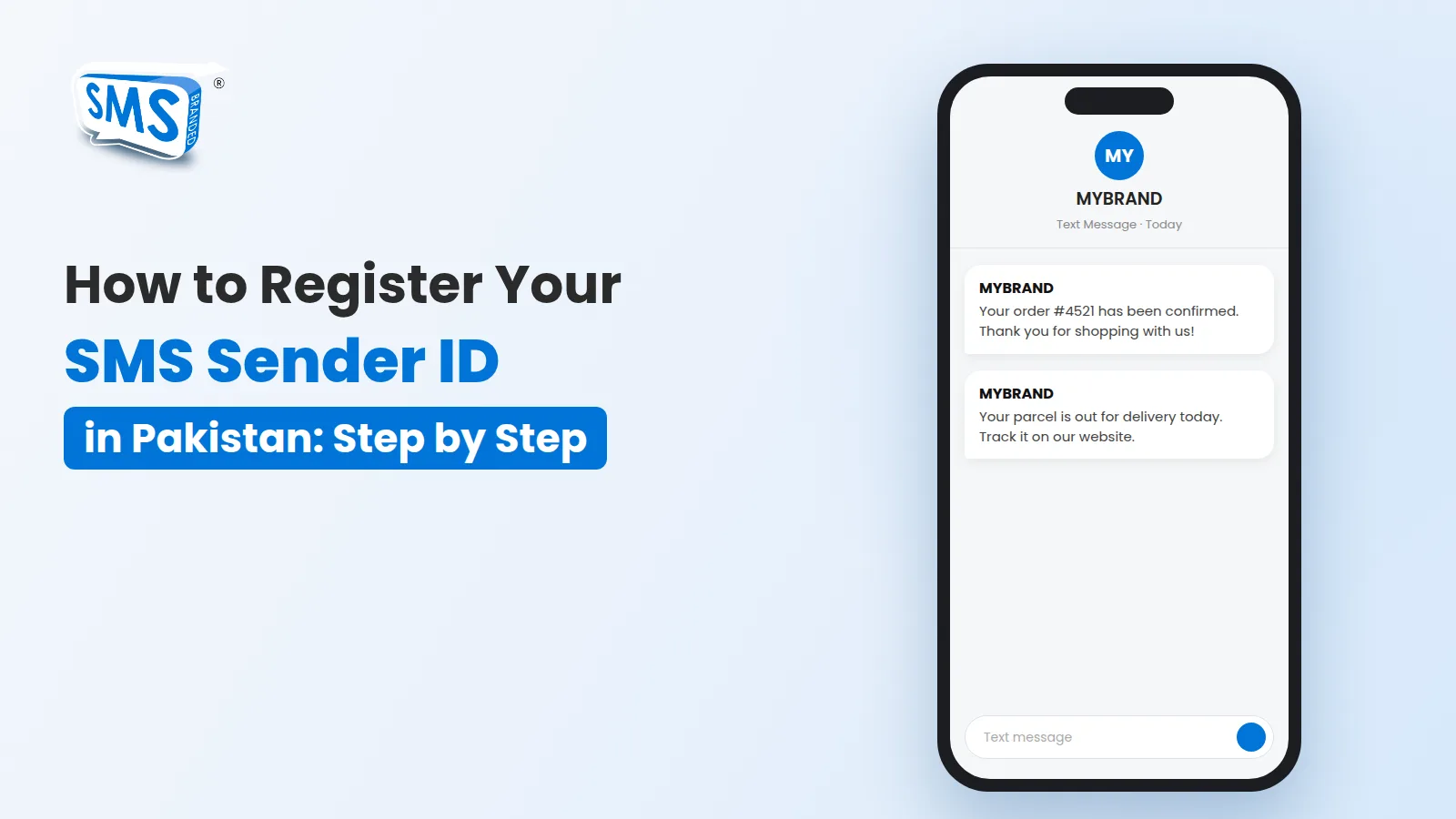

When a customer receives an SMS from your business, the first thing they see is the sender. A message from an unknown mobile number looks like spam. A message from your own brand name looks trustworthy. That brand name is called a sender ID, also known as a mask or masking.
In this guide, we explain how SMS sender ID registration works in Pakistan, which documents you need, what it costs and how long it takes.
What is an SMS sender ID (masking)?
A sender ID is the name that appears in place of a phone number when your SMS arrives. For example, instead of seeing 0300 1234567, your customer sees “MYBRAND”. In Pakistan, sender IDs are approved under PTA rules and are activated through an SMS service provider (also called an aggregator) such as Branded SMS Pakistan.
Why your business needs a registered sender ID
- Trust: customers recognise your brand immediately and are less likely to ignore or delete the message.
- Professional image: order confirmations, OTPs and alerts look official when they come from your name.
- Better response: people open and act on messages from brands they know.
- Consistency: every message, from order notifications to bulk SMS campaigns, carries the same identity.
Documents you need
Before you apply, prepare the following:
- A request letter on your company or business letterhead, generated with the brand name registration form.
- The letter signed and stamped (an e-stamp and e-signature are also accepted).
- A copy of the CNIC (front and back) of the person applying.
- A government document that shows your company name, such as your FBR NTN, SECP registration or Chamber of Commerce certificate.
Important: the company name on your documents must match the requested sender ID. You can check your FBR record by CNIC or NTN before applying.
How to register your sender ID with Branded SMS Pakistan
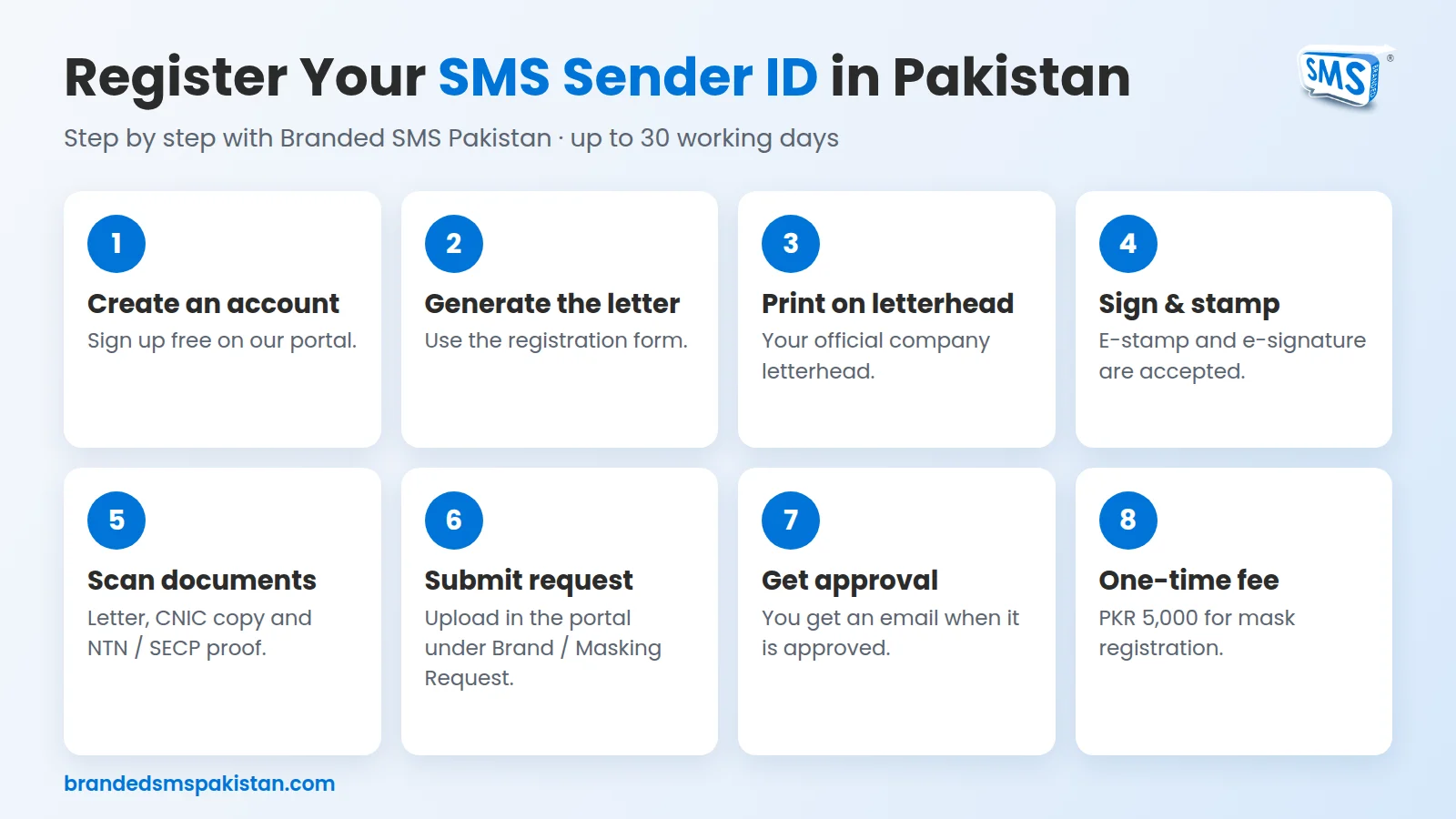
- Create a free account on the Branded SMS Pakistan portal.
- Generate your request letter using the brand name registration form.
- Print the letter on your official letterhead, then sign and stamp it.
- Scan the letter or take a clear photo of it, along with your CNIC copy.
- Sign in to the portal and go to Brand / Masking Request > Request New.
- Upload all documents and submit the form.
- Once the sender ID is approved, you receive an email notification and can start sending messages.
Full details are on our brand name registration page.
Fees and processing time
- Fee: a one-time fee of PKR 5,000 applies for mask registration.
- Processing time: up to 30 working days.
Rules to keep in mind
- A domain name (for example, mybrand.com) is not allowed as a sender ID.
- A mask can only be active with one aggregator. If your mask is already active with another provider, you need to deactivate it there first, or request a mask with a different keyword.
- If a sender ID is not used for 3 months, PTA blocks it automatically, and you have to submit a new masking request.
Common reasons a request is delayed
- The company name on the documents does not match the requested sender ID.
- The letter is not on official letterhead, or it is missing a signature or stamp.
- The CNIC copy is unclear or incomplete.
- The same mask is already active with another provider.
What to do after approval
Once your sender ID is live, you can use it across all our services:
- Send OTP verification messages for logins and orders.
- Run personalised SMS campaigns for promotions and offers.
- Connect your store with the Shopify SMS app or the WooCommerce SMS plugin to send order updates automatically.
- Use our SMS API to send messages from your own software.
Get started today
Registering a sender ID is one of the simplest ways to make your SMS look professional and trustworthy. If you need help with the documents or have questions about your mask, contact our team and we will guide you through the process.