







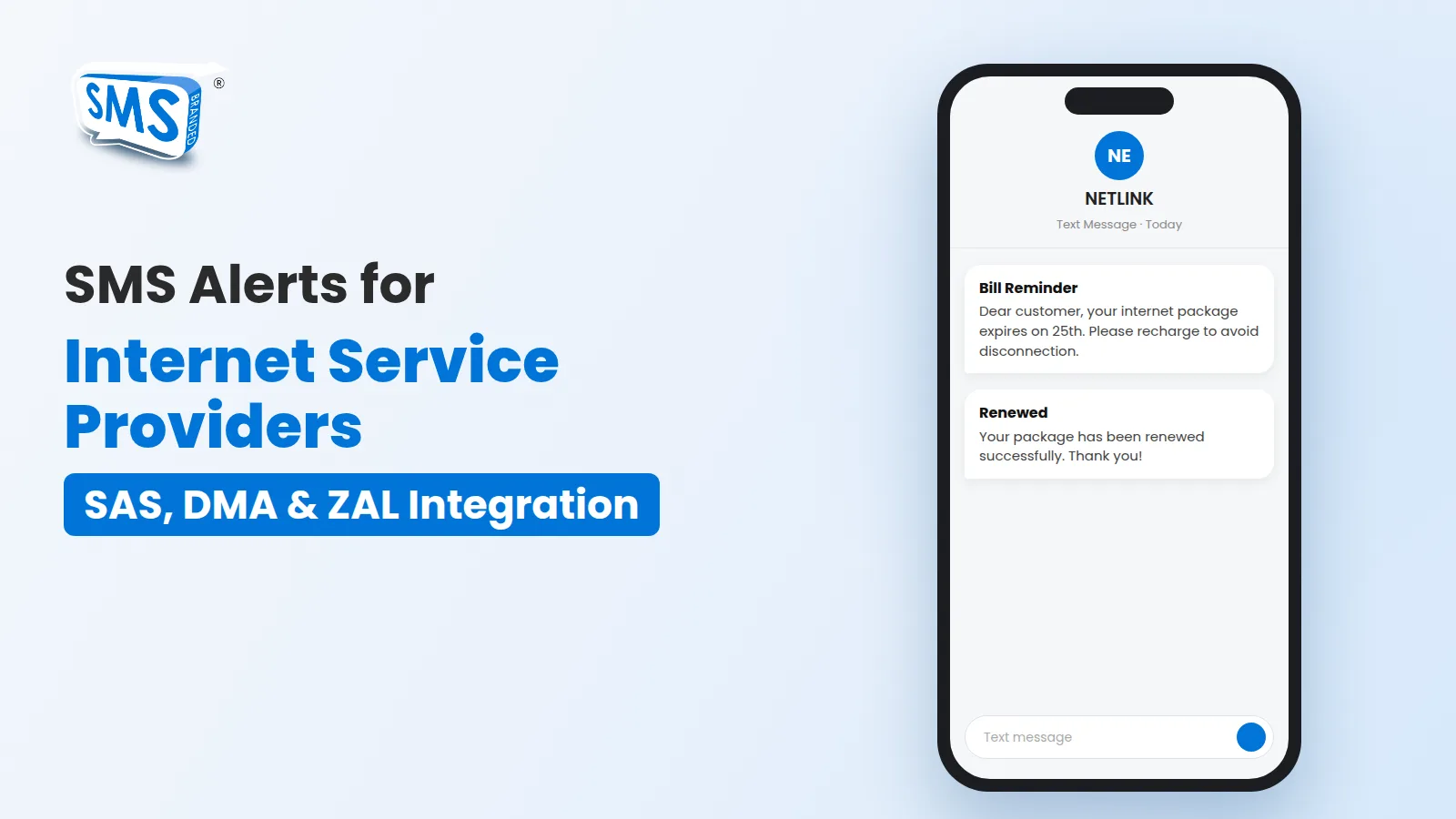

Internet service providers handle hundreds or thousands of subscribers, and most of them pay monthly. Reminding every customer about their bill, telling them when a package expires and informing them about outages takes a lot of time when it is done by phone. SMS alerts automate this work and keep subscribers informed without extra effort from your team.
Why SMS works for ISPs
- It reaches customers when their internet is down. SMS does not need a data connection, so it is the most reliable way to contact a subscriber whose connection has expired or is having problems.
- It is automatic. Once connected to your billing system, messages go out on their own based on dates and events.
- It looks professional. With a registered sender ID, every alert arrives from your company name.
- It reduces support calls. Customers who are reminded on time renew on time, and fewer people call to ask why their internet stopped.
SMS alerts every ISP should send
- Package expiry reminders: a few days before and on the day the package ends.
- Payment confirmation: a receipt as soon as a payment or recharge is recorded.
- Renewal and activation messages: confirm that the package is active again.
- New connection welcome message: share the username, package details and support number.
- Outage and maintenance alerts: inform affected areas before planned work and when service is restored.
- Package upgrade offers: promote faster packages to customers who are ready for more.
Connect your billing system to SMS
Branded SMS Pakistan offers ready-made SMS integrations for the billing and management systems commonly used by ISPs in Pakistan:
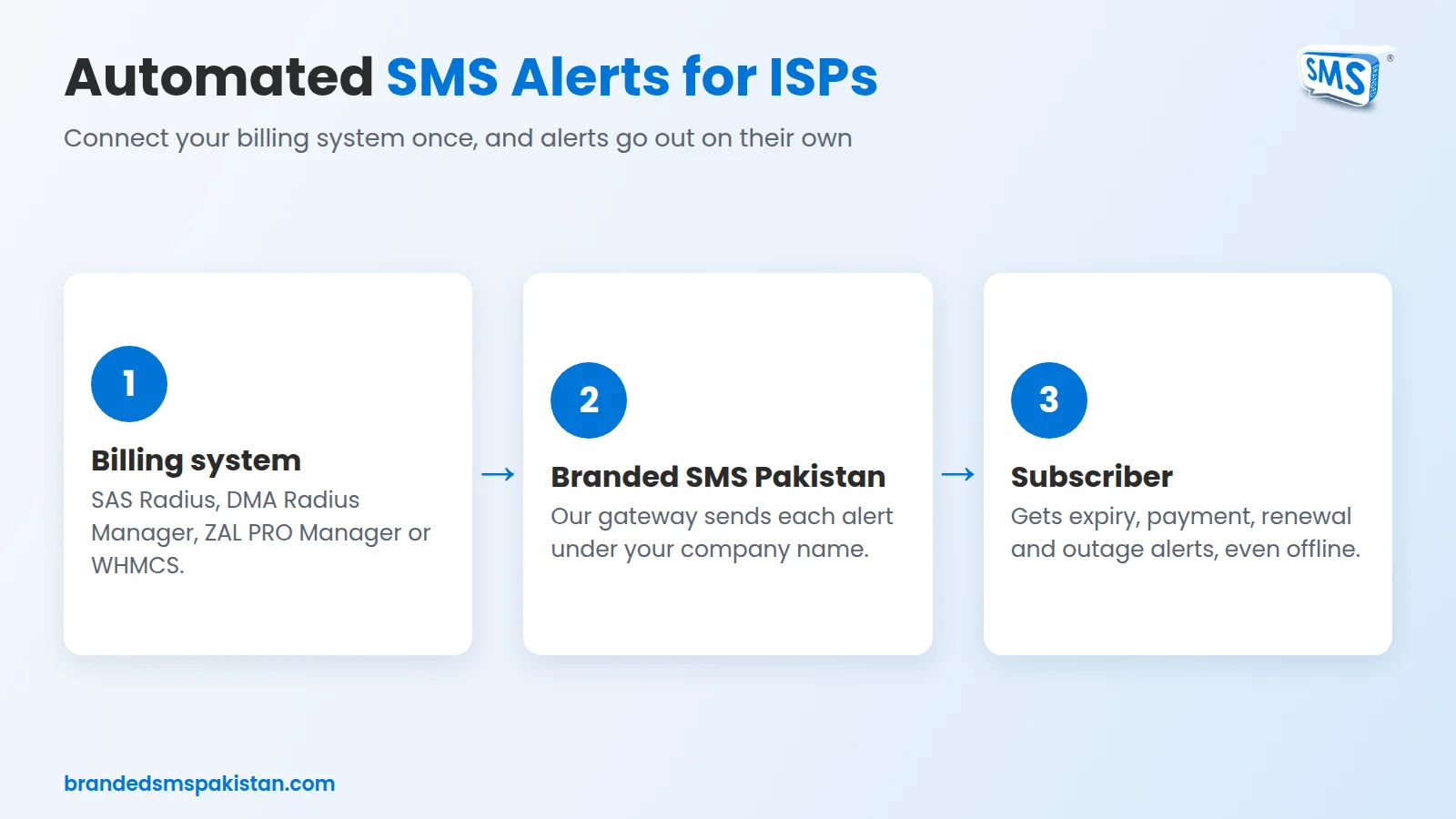
SAS Radius
SAS Radius is a billing system for ISPs by Snono Systems. Our integrated SMS gateway sends alerts to subscribers directly from SAS Radius, so reminders and notifications follow your billing data automatically.
DMA Radius Manager
With our DMA Radius Manager SMS integration, ISPs using DMA can send expiry reminders, payment confirmations and other alerts to their subscribers.
ZAL PRO Manager
Our ZAL PRO Manager integration connects your ZAL system to SMS for automated customer messages.
WHMCS for hosting companies
Hosting and domain companies can use our WHMCS SMS plugin to send invoice reminders, payment confirmations and service alerts.
Using another system? Our SMS API works with any software, and our team can build a custom integration for you. See all options on our integrations page.
Example messages
- “Dear customer, your internet package expires on 25 November. Please recharge to avoid disconnection.”
- “Payment of PKR 2,500 received. Your package is active until 25 December. Thank you!”
- “Planned maintenance in your area on Sunday from 2 AM to 4 AM. We apologise for the inconvenience.”
Add voice calls for important alerts
For urgent messages or customers who do not read SMS, automated voice calls can deliver the same reminder as a short recorded call.
Tips for better results
- Send expiry reminders more than once: for example 3 days before, 1 day before and on the expiry day.
- Keep messages short and include your support number.
- Use the same sender ID for all alerts so customers recognise them.
- Avoid sending routine alerts late at night.
Get started
Automated SMS alerts help ISPs collect payments on time, reduce support calls and keep subscribers happy. Contact our team to connect your billing system to Branded SMS Pakistan, or read more about our work in telecommunication.